
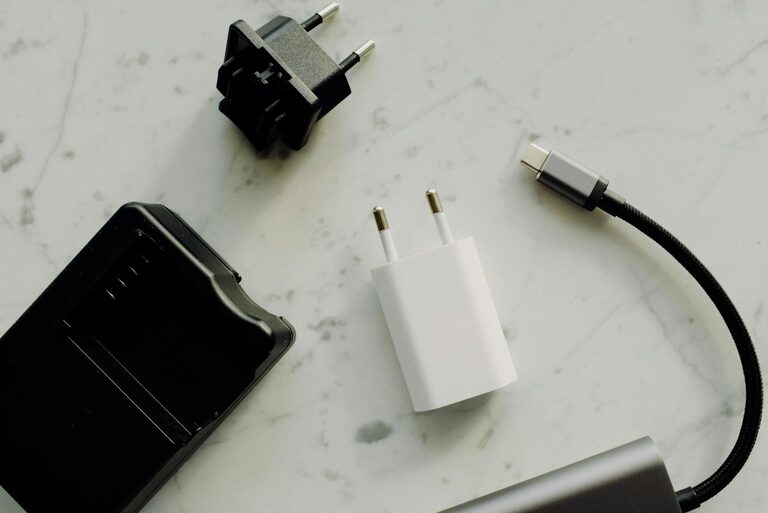
Setting up a dedicated charging station for your devices can simplify daily life, reduce clutter, and ensure your gadgets are always ready to use. Whether you have smartphones, tablets, laptops, or smartwatches, organizing their charging needs in one spot saves time and effort. In this post, we’ll explore practical steps to create a functional and neat charging station tailored to your needs.
Why Set Up a Charging Station?
Before diving into the setup, it’s helpful to understand the benefits:
– Reduced clutter: No more tangled cords scattered around.
– Easy access: Find and charge devices quickly.
– Safety: Prevents devices from overheating or damage by proper placement.
– Aesthetics: A clean space feels more pleasant and organized.
Choose the Right Location
Finding the perfect spot is the first step.
– Convenience: Pick a location you use often, like near your desk, living room, or bedside table.
– Power source: Make sure there are enough outlets nearby for all your devices.
– Ventilation: Devices should have space around them to prevent overheating while charging.
– Space: Ensure there’s enough room for your charging station setup and any future additions.
Select Your Charging Equipment
Depending on the types and number of devices you have, your charging equipment will vary.
Multi-port USB Chargers
– Provides multiple USB ports so you can charge several devices simultaneously.
– Look for chargers with fast-charging capability for compatible devices.
– Compact designs help save space.
Wireless Charging Pads or Stands
– Ideal for devices that support wireless charging like certain smartphones and earbuds.
– Helps reduce cable clutter.
– Choose chargers that support your device models.
Power Strips or Surge Protectors
– Essential if you have many devices requiring AC adapters.
– Surge protection safeguards your devices in case of voltage spikes.
Charging Caddies, Stands, or Organizers
– Keep devices in place and prevent them from slipping or getting scratched.
– Look for designs that allow good airflow.
Gather Necessary Accessories
– Charging cables: Ensure you have the right cables for each device.
– Cable organizers or clips: Manage and route cables neatly.
– Labels or tags: Mark chargers and cables if multiple users share the station.
– Storage baskets or trays: Store extra accessories like earbuds or adapters.
Step-by-Step Setup Guide
Step 1: Declutter and Clean the Area
Clear the chosen spot of any unnecessary items and wipe down surfaces.
Step 2: Arrange Your Charging Equipment
Position chargers, power strips, or pads where they’re easy to reach. For example, place a multi-port USB charger on a desk or shelf close to the outlet.
Step 3: Manage Cables
Use cable clips, ties, or sleeves to bundle cables neatly. Route them along edges or behind furniture to keep them out of sight but accessible.
Step 4: Organize Your Devices
Assign a place for each device in the charging station. You can use a caddy with designated slots or small trays to keep devices separated and secure.
Step 5: Test the Setup
Plug in all chargers and connect your devices to make sure everything charges properly. Adjust placements or cable lengths as needed.
Tips for Maintaining Your Charging Station
– Regular clean-up: Dust and wipe down every week or so.
– Check cables: Replace any damaged cables promptly to maintain safety.
– Update equipment: Upgrade chargers over time for better efficiency and safety.
– Label cords: Especially helpful if you have gadgets for multiple family members.
Creative Ideas for Charging Stations
You don’t have to keep your charging station plain. Here are some ways to personalize it:
– Use a decorative box or crate to conceal cables.
– Add a small plant or decorative item nearby.
– Incorporate LED lighting strips for a modern look.
– Repurpose furniture pieces, like a side table with built-in power outlets.
Conclusion
Creating a charging station tailored to your collection of devices can improve your day-to-day routine and keep your space tidy. By selecting the right location, equipment, and accessories, organizing cables, and assigning spots for each gadget, you’ll have a convenient and efficient power-up zone. Remember to maintain and update your station regularly to enjoy the benefits long-term.
Give these tips a try, and soon charging your devices will feel less like a chore and more like a seamless part of your home setup!